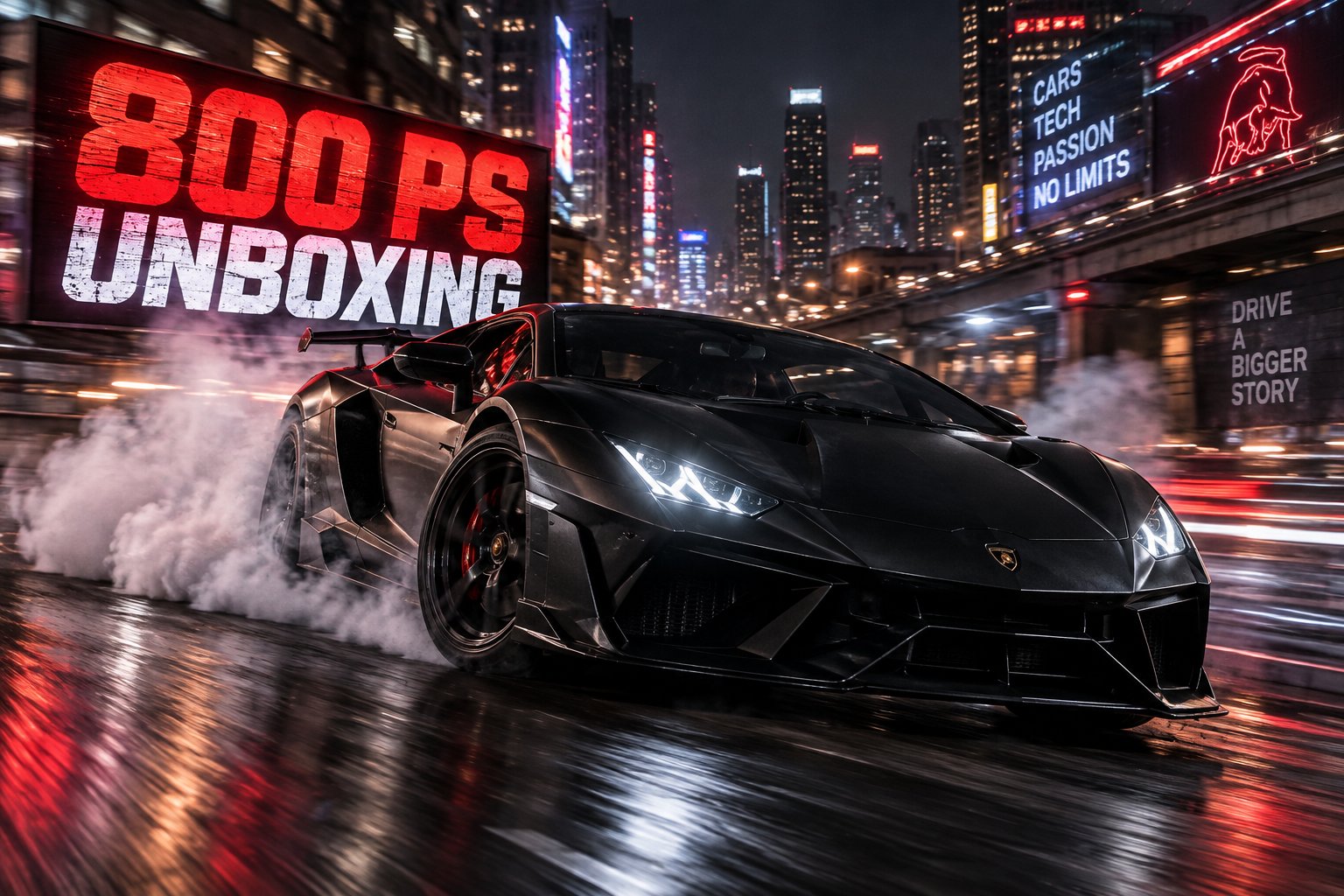
Car viewers recognise models instantly, so the car itself does a lot of the work. Your thumbnail adds the story: what it cost, what broke, what changed or how it compares. Without that story element, it looks like every other photo of the same model.
Thumbnail patterns that work for cars videos
Hero three-quarter
Low front three-quarter angle, wheels turned slightly toward the camera, car filling 60% or more of the frame.
Versus
Two cars facing each other or side by side at matching angles, with the model codes as text.
The problem part
A close-up of the broken, rusty or worn part with an arrow. Repair viewers click on the problem they recognise.
Price or value
The car with a large price (“$500 CAR”, “$90K”). Cheap and expensive extremes both attract curiosity.
Text: how much and what to say
One to three words. Short model codes (“M3 VS RS3”) are useful because enthusiasts search for them. Prices and problems (“$500”, “BLOWN ENGINE”) add the story.
Faces and emotion
Owner reactions work for buying, driving and breakdown stories. For mechanic content, hands and the part are enough. A person next to the car can also show scale for trucks and supercars.
Color
The car’s paint sets the palette — choose text that contrasts with it. Golden hour gives clean reflections; harsh midday sun creates hot spots on paint and glass.
Composition
Car large, background simple, horizon level. Blur or remove license plates where needed, including other people’s cars, and keep the bottom-right clear.
Check every layout at real size before uploading — the free thumbnail preview tool shows it in a feed, search and the 168 × 94 px sidebar. Sizes and limits are in the YouTube thumbnail size guide.