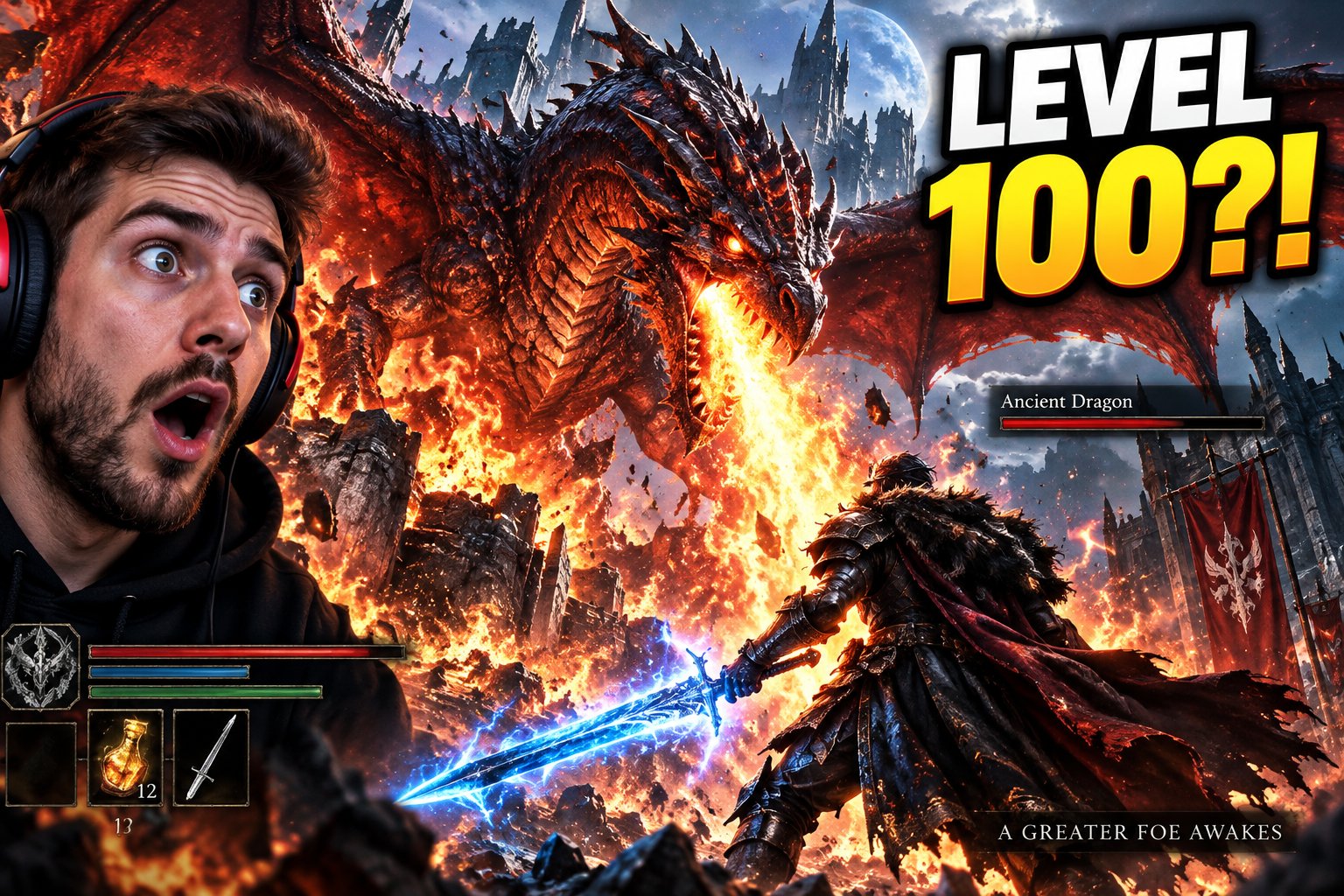
Gaming is one of the most crowded feeds on YouTube, and viewers often already know the game. Your thumbnail therefore can’t just say “this is Elden Ring” — it has to show what happens in this video that they haven’t seen yet: the risk, the result or the twist.
Thumbnail patterns that work for gaming videos
The stakes moment
Freeze the second before the outcome: one HP left, the last player standing, a timer at 0:01. Crop tight and enlarge the UI element that proves the stakes (health bar, timer, rank) so it reads at small sizes.
Progression or before/after
Day 1 vs day 100, noob base vs pro base, first attempt vs final run. Split the frame vertically, keep both halves at the same angle, and make the right side visibly richer. This works especially well for survival, building and sandbox games.
Character plus reaction
Your face (or the game character) on one third, the object of the reaction on the opposite third, with the eyeline pointing at it. The viewer’s eye follows the gaze straight to the hook.
The single impossible item
One enlarged weapon, card, skin or creature, isolated from the scene with a thick outline. Ideal for loot, collection and tier-list videos where the item itself is the story.
Text: how much and what to say
Zero to three words. Use numbers when they carry the stakes (“1 HP”, “100 DAYS”, “RANK 1”). Let the title hold the game name and search keywords; the thumbnail should hold the emotion or the result. Never repeat the title word for word.
Faces and emotion
Face-cam thumbnails help personality-driven channels because returning viewers recognise you. Make the face at least a third of the frame height so the expression survives at 168 px, and match it to what actually happens — focus, disbelief or fear — instead of the same open-mouth shock every week. Faceless channels can use the character’s pose or a key enemy as the “face”.
Color
Games ship with strong palettes, so pick an accent from the opposite side of the color wheel: red or yellow text on green and brown sandbox worlds, warm light on cold blue sci-fi scenes. Raw captures are often flat; raise contrast and saturation moderately, and lift dark horror scenes so they don’t turn to mud on phones.
Composition
Limit yourself to three elements: subject, reaction and text. Remove minimaps, chat overlays and HUD elements unless they show the stakes. Keep the bottom-right corner clear for the duration badge.
Check every layout at real size before uploading — the free thumbnail preview tool shows it in a feed, search and the 168 × 94 px sidebar. Sizes and limits are in the YouTube thumbnail size guide.