Guides
YouTube thumbnail ideas by niche
Good thumbnail ideas depend on the niche, but the rules underneath are shared: one clear subject, an emotion or stakes the viewer can read in a fraction of a second, two to four words that add to the title instead of repeating it, and strong contrast that survives at 168 px. Pick your niche below for specific layouts and templates.
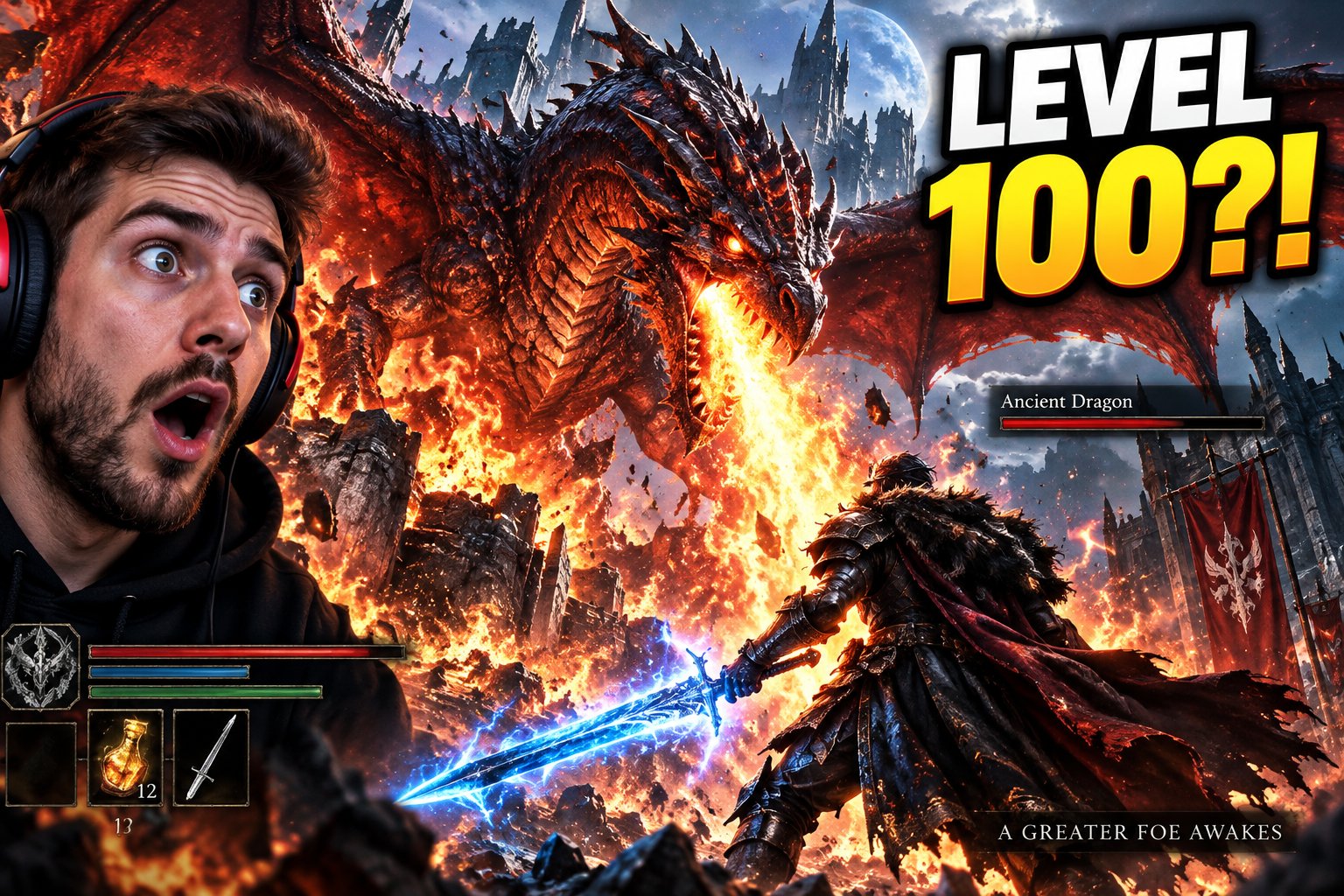 Gaming
 thumbnail ideas
Stakes moments, progress splits and reactions that read in a crowded feed.
 Podcast
 thumbnail ideas
Sell the episode’s one idea, not the show — guest, hook and a consistent layout.
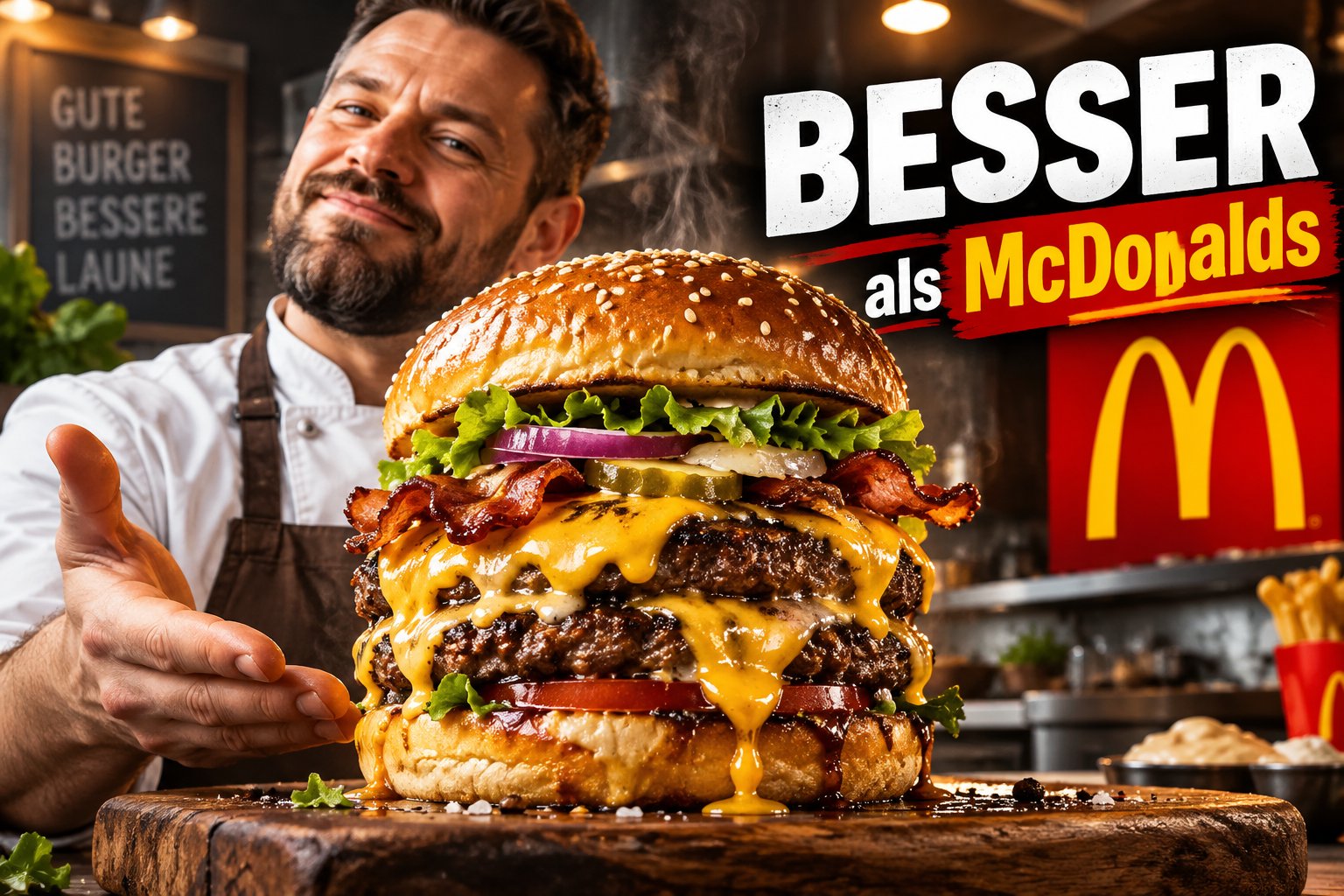 Cooking
 thumbnail ideas
Finished dish, close and textured, plus a twist the photo can’t show.
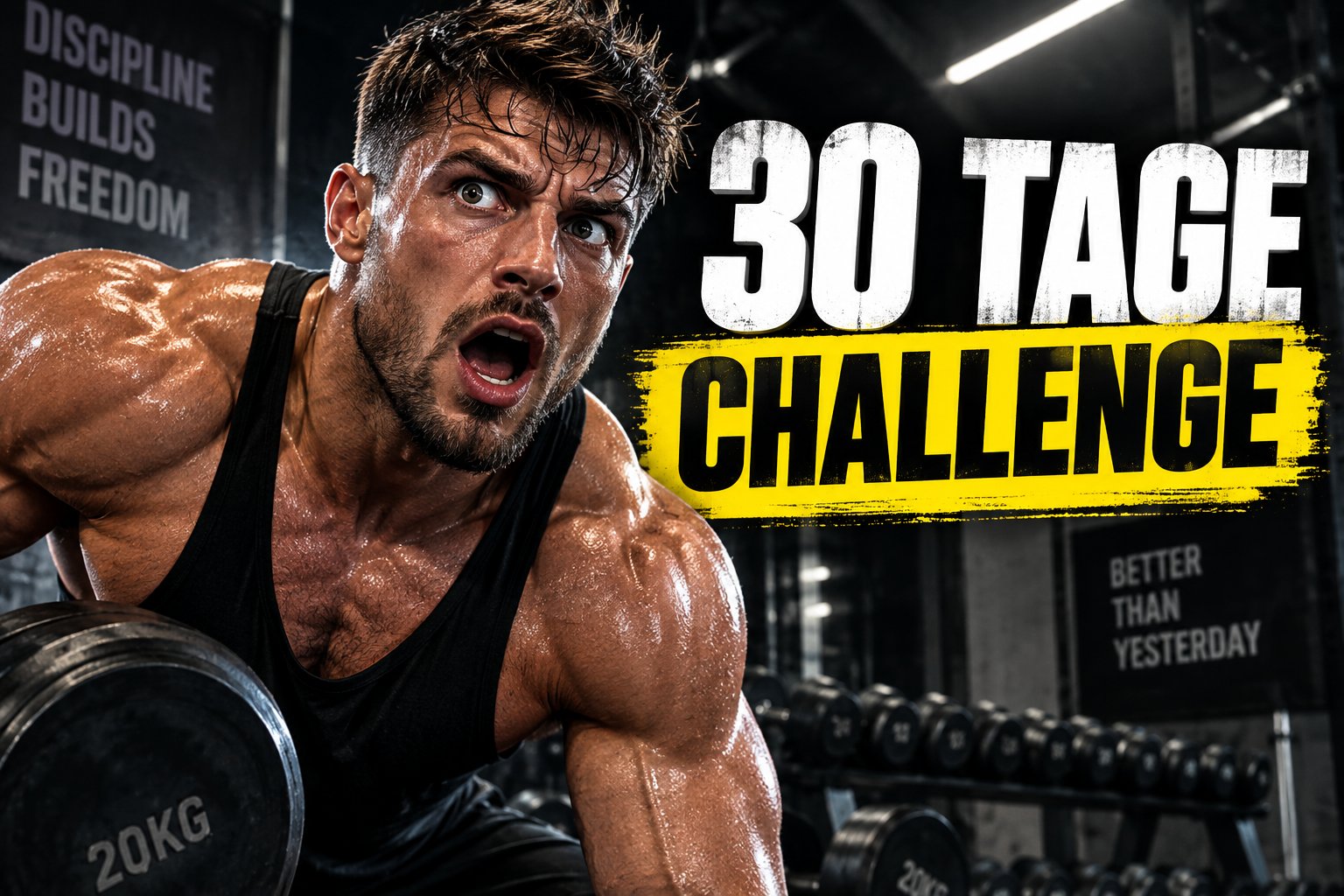 Fitness
 thumbnail ideas
One body, one exercise, one specific promise — and honest visuals.
 Finance
 thumbnail ideas
One specific, credible claim: a number, a chart direction or a choice.
 Tech
Tech thumbnail ideas
The product as hero, a clear verdict and clean comparison layouts.
 Travel
 thumbnail ideas
One surprising view, a person for scale and a concrete angle.
 Beauty
 thumbnail ideas
Sharp face crops, accurate color and a visible transformation or verdict.
 DIY
DIY thumbnail ideas
Show the finished result and prove it’s achievable.
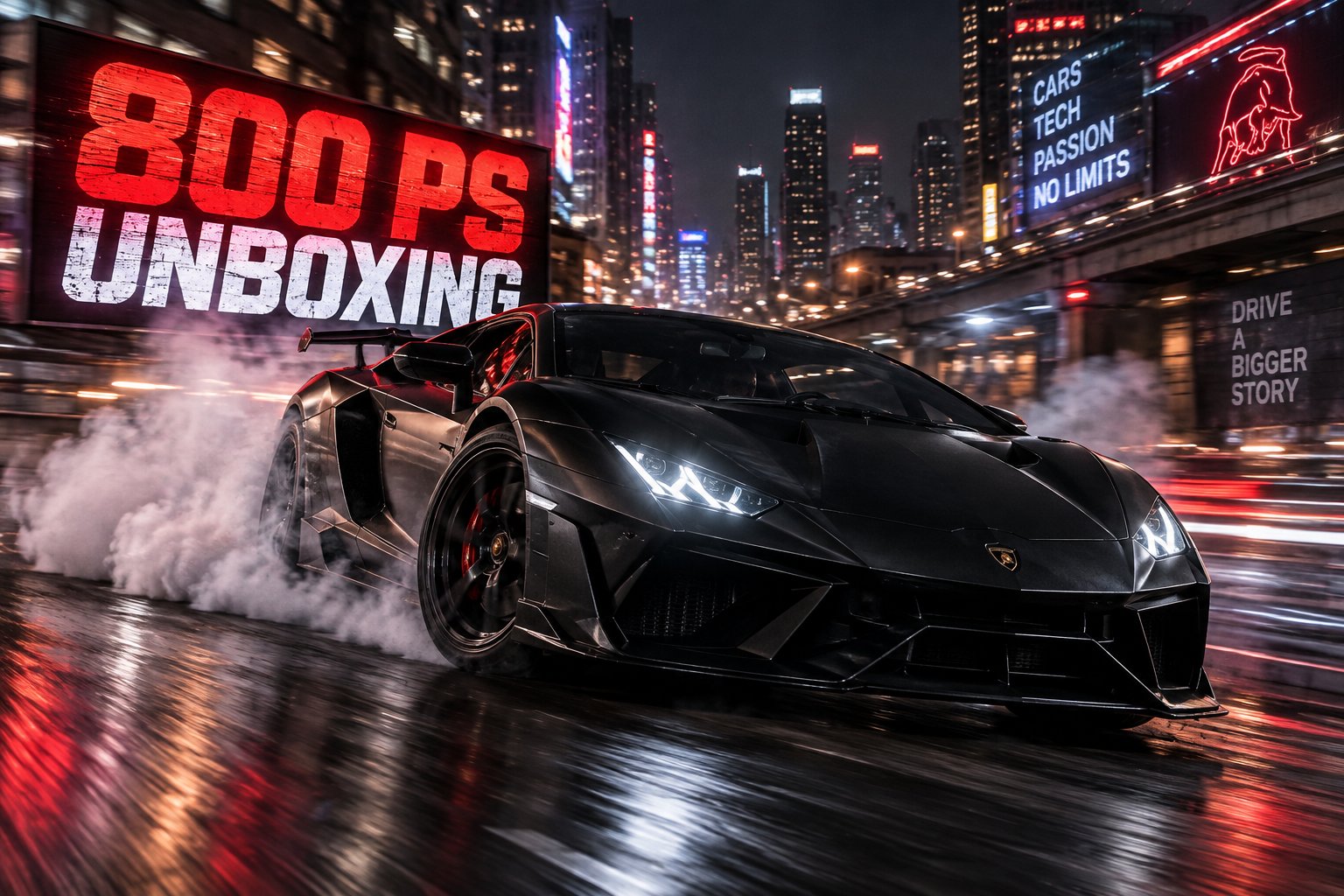 Cars
Cars thumbnail ideas
Low three-quarter hero shots, one story element and clean backgrounds.
Rules that apply to every niche
- One subject. A face, an object or a scene — not all three competing. If you can’t say what the thumbnail shows in three words, simplify it.
- Add to the title, don’t repeat it. The title explains; the thumbnail shows the stakes, result or emotion.
- Design for 168 px. Thumbnails appear as small as 168 × 94 px in the desktop sidebar. Big shapes and few words survive; details don’t.
- Respect the corner. The video length covers the bottom-right corner on almost every surface.
- Stay honest. Thumbnails that promise more than the video delivers lead to early drop-off, and YouTube’s policies prohibit misleading thumbnails.
Specs and limits are in the YouTube thumbnail size guide; test any idea at real size in the thumbnail preview tool.
Frequently asked questions
What makes a good YouTube thumbnail?
One clear subject, a readable emotion or stake, a few large words that add to the title, and enough contrast to stand out at small sizes. It must also be honest: a thumbnail the video doesn't deliver on loses viewers in the first seconds.
How many words should a thumbnail have?
Usually zero to four. The title sits right next to the thumbnail, so the image should add an angle, number or emotion rather than repeat the title.
Should I use the same thumbnail style for every video?
Use a consistent layout, font and color so returning viewers recognise you, but change the subject and hook each time. Consistency should make you recognisable, not invisible.
Can AI make YouTube thumbnails?
Yes. VideoThumbly's AI scans your whole video and reads your title or notes, works out the topic, the hook and the emotion, and designs three high-click thumbnail variants you can edit. Because it designs from your real footage, the thumbnail stays faithful to the video.
Make 3 thumbnails from your video — free
Upload a video: VideoThumbly's AI scans it from start to finish, works out its topic and hook, and designs three high-click thumbnail variants you can finish in the editor. New accounts get 6 free AI credits; no card required.